Black Friday · November 23 – December 6, 2026 · ends 11:59 pm US Eastern
00d00h00m00s
AI Editing Course

You film it. AI edits it.

For founders and small business owners who don't post enough because editing takes too long. Learn to edit your reels, ads and voiceover videos with AI in CapCut or DaVinci Resolve, in your own branding or style, and hands you a project you can still change by hand.

$99one payment, Black Friday offer
Get the course for $99

Instant access · One payment, no subscription · CapCut and DaVinci Resolve

★★★★★Join 10,000+ clients already trusting us.
Raw clip
Finished reel
Works in CapCut Works in DaVinci Resolve Phone or camera footage Fully editable project
Results

Reels edited with this setup

Real numbers from our own accounts, edited the same way you will.

Uncut demo

Watch it edit a full reel, start to finish

One take, screen recorded while AI edits one of our reels from start to finish. Pick the editor you use.

  1. Drop in the raw clip
  2. Pauses and mistakes cut out
  3. Captions added in your branding
  4. Overlays and zooms placed
  5. Music and sound added
  6. Export, or finish it by hand
Get the course for $99 Setup and all lessons included. The price goes to $99 when the timer ends.
The math

What editing costs you today

Hours of your own time per reel, $75 to $200 per reel from a freelancer, or up to $5k a month for an editor or agency.

The usual options

Up to $5k
  • Editing it yourselfHours per reel
  • Freelancer, per reel$75 to $200
  • Freelancer, 8 reels a month$600 to $1,600
  • Editor or agencyup to $5,000 a month

Typical rates for short-form editing. Turnaround is usually days, plus revisions.

The AI Editing Course

$99
  • Course and setup$99 once
  • ChatGPT Plusabout $20 a month
  • TurnaroundMinutes, in your own editor

You also need CapCut Pro or DaVinci Resolve Studio. See the full costs below.

Get the course for $99 One payment instead of paying per reel
How it works

Four steps from raw clip to posted

Step 1

Film it

Record on your phone or camera, in your office, shop or kitchen. No studio needed.

Step 2

Tell ChatGPT what to keep

Point it at the clip and say which parts stay. It cuts the rest.

Step 3

Approve the look

Your fonts, colors, logo and overlays are applied. Captions, zooms and overlays follow your branding.

Step 4

Post it, or finish by hand

Export and post, or open the project and change anything yourself.

What it edits

Built for the videos you actually post

Start here

Talking head reels

Pauses and mistakes cut, captions in your branding, punch-in zooms and overlays where they help.

Brand and UGC ads

Promo ads for your shop, product or service, with several hook versions from one clip to test.

Voiceover videos and ads

Use your own recording, or add an optional ElevenLabs voiceover that is timed to the footage.

Get the course for $99 Black Friday price ends when the timer runs out
Your look

Use your own branding or style

  • Your fonts, colors and logoSave them once in your brand kit. Every edit uses them.
  • Your overlaysDesign overlays with AI in Canva or Figma, save them to the setup, and they get placed automatically.
  • Your color lookA professional finish for phone footage and camera footage, including log.
Image · founder filming in their office or shop, phone or camera on a tripodReel with the brand's fonts and colors
Your fonts and colors
Image · ChatGPT window with the clip and a short requestReel with the brand's logo and overlays
Your logo and overlays
Image · reel with the brand's own fonts, colors, logo and overlaysCamera log footage, graded
Your color look
Two editors

CapCut or DaVinci Resolve, both from day one

ChatGPT does the full edit for you, so you always end up with a normal project file you can open and change.

Image · finished reel open in CapCut, ready to exportScreenshot · edited reel open in CapCut

CapCut

  • The full edit done in CapCut
  • Captions, zooms, overlays and audio on the timeline
  • Take over at any point and finish by hand
  • Needs CapCut Pro
Video · a founder explaining their productScreenshot · edited reel open in DaVinci Resolve

DaVinci Resolve

  • The full edit done in DaVinci Resolve
  • A clean timeline you can grade and finish further
  • Take over at any point and finish by hand
  • Needs DaVinci Resolve Studio, a one-time purchase

Premiere Pro comes later as a free update for everyone who buys now.

Why this is different

Two editors from day oneCapCut and DaVinci Resolve, with equal support.
A real, editable projectNot a locked AI export. Change anything by hand.
Your own branding or styleYour fonts, colors, logo and overlays on every reel.
Pro finishing and color gradingAdriana shows you how to turn log footage into Rec.709 and grade it like a professional.
What's inside

The setup, plus 11 short lessons

You get the ready-made ChatGPT editing setup and lessons that show you how to install it, use it and make it yours. Updates are always free.

  1. What you need
  2. Installing the editing setup and turning on computer control
  3. Your first reel: a full talking head edit
  4. Setting up your own style and brand kit: fonts, colors, logo, overlays, color look
  5. Designing your overlays with AI
  6. Brand and UGC ads, with several hooks from one clip
  7. Voiceover videos and ads
  8. Sound effects and musicOptional ElevenLabs
  9. Taking over by hand in CapCut or DaVinci Resolve
  10. Pro finishing: keyframes, masking, motion, speed ramps, log to Rec.709 and color gradingTaught by Adriana
  11. When something breaks: fix-it prompts and updates
Who it's for

Is this for you?

A good fit if you

  • Are a founder who doesn't post enough because one reel takes hours to edit
  • Run a small business and can't spend $5k a month on an editor or agency
  • Film on your phone or a camera, in your office, shop or kitchen
  • Want reels and ads that look professional and look like your brand
  • Want a real project you can still change, not a locked AI export

Not the right fit if you

  • Want videos made without filming anything yourself
  • Mainly edit long-form YouTube videos
  • Only work on a phone and have no computer
Requirements

What you need, and what it costs

Everything listed up front, so there are no surprises after you buy.

Option A: CapCut

ChatGPT Plusabout $20 / month
CapCut Pro
Mac or Windows computer

Free disk space:

Option B: DaVinci Resolve

ChatGPT Plusabout $20 / month
DaVinci Resolve Studioone-time purchase
Mac or Windows computer

Already own Resolve Studio? Then there are no extra software costs.

Optional add-ons

ElevenLabs Starterabout $5 to $6 / month
Canva Pro

ElevenLabs adds automatic voiceovers, sound effects and music you can use commercially. Canva Pro exports transparent overlays.

Join 10,000+ clients already trusting us.

What MEC customers say

Get the course for $99
"We replaced expensive product shoots with AI shop images that look just as professional. Updating our store visuals is faster and far more flexible."
Mona WiegandMona WiegandBrand Owner
"We can now test creatives at scale without burning budget. AI visuals helped us cut ad costs while identifying winning ads much faster."
Joey de WitJoey de WitAgency Owner
"Our ads perform on a completely different level now. With AI-generated images and videos, we create scroll-stopping creatives that look premium, feel native, and consistently outperform our old ads."
Marian PohlMarian PohlAgency Owner
"Launching campaigns is no longer a bottleneck. We create campaign visuals instantly, test multiple angles at once, and scale what works without delays or extra costs."
Tony MarchettiTony MarchettiAgency Owner
"Mobile Editing Club has been a big help for our team. We’ve learned how to guide AI toward our vision, edit generations to match our product renders, and understand AI’s limits so we don’t waste time. Excited to see what they release next."
Cody DeerCody DeerAgency Owner, Deer Designstudio
"Video ads used to slow everything down. Now we generate, edit, and iterate high-performing video creatives in minutes, giving us way more freedom to test and scale fast."
Lars LeitzigLars LeitzigAgency Owner
"We replaced expensive product shoots with AI shop images that look just as professional. Our store feels cleaner, more consistent, and far easier to update."
Tom WangTom WangBrand Owner
"We finally post consistently without creative burnout. AI content makes it easy to stay on-brand while producing fresh social visuals daily."
Sarah M.Sarah M.Brand Owner
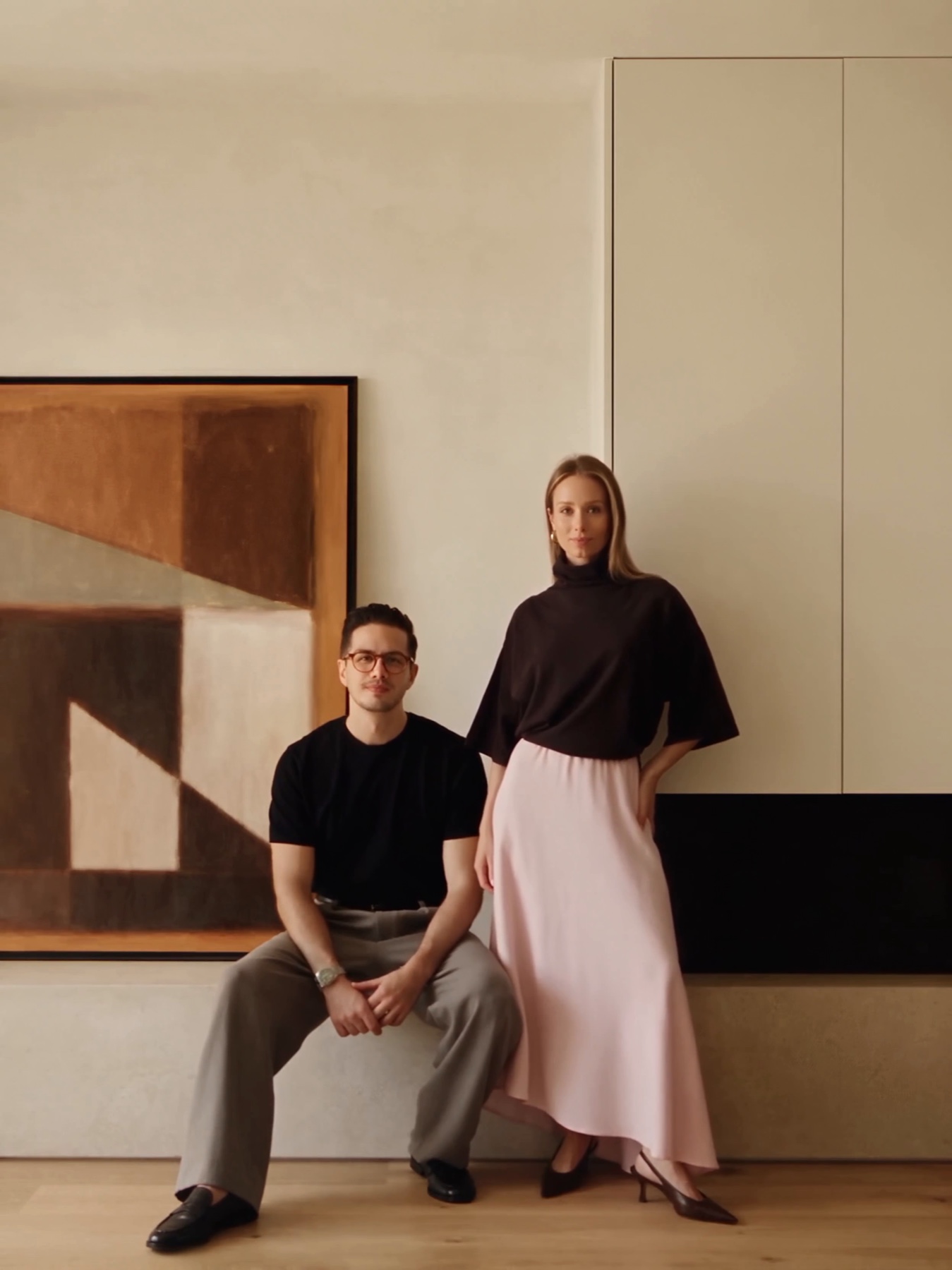
Adriana and Nik, founders of Mobile Editing Club
Why we built this

We searched for good editors for months

Between @mobileeditingclub, @adrianabubori and our client work, we post a lot of reels. For months we looked for editors who could keep up with that volume and still get our style right. Good ones were hard to find, expensive, and every new editor needed weeks to learn our look.

So we built our own solution. A ChatGPT setup that does the repetitive part of the edit in our style, in the editor we already use, while we only step in for the details that need a human eye. It gave us our time back and cut what we spend on editing every month.

This course gives you that same setup, and shows you how to make it yours.

Adriana and Nik
Adriana and Nik BuboriFounders, Mobile Editing Club
Black Friday price

Get the full setup for $99

One payment, Black Friday offer. After that the price goes to $99.

Everything you get

  • ChatGPT editing setup for CapCut and DaVinci ResolveSetup
  • Brand kit setup for your fonts, colors, logo and overlaysIncluded
  • 11 short lessons, from install to pro finishingIncluded
  • Log to Rec.709 and color grading for camera footageIncluded
  • Overlay design workflow for Canva or FigmaIncluded
  • Fix-it prompts for when something breaksIncluded
  • Free updates, including Premiere Pro when it is readyFree
Launch week
$99

You save $20 when you join this week

00days00hrs00min00sec
Get the course for $99
Launch week bonus: . Only for orders before the timer ends.

One-time payment through a secure checkout. Instant access after purchase.

FAQ

The honest answers

When do I get access?

Right after payment. Your login arrives by email within a few minutes, and you can start with Lesson 1 straight away.

I'm not techy. Can I still set this up?

Yes. Lesson 2 walks you through the install step by step for Mac and Windows. If you can follow a screen recording, you can set it up.

Will the edits look like me, or like AI?

They use your own branding or style: your fonts, colors, logo and overlays. You set it up once in Lesson 4. You also get the full project, so you can change anything that does not feel like you.

I already edit in CapCut. Why would I need this?

It does the repetitive part for you: cutting, captions, zooms and placing overlays. You keep the creative part, and the result is still a normal CapCut project.

I film on a camera, sometimes in log. Does that work?

Yes. Phone and camera footage both work. In Lesson 10, Adriana shows you how to convert log footage to Rec.709 and color grade it like a professional.

Is it worth it if I already pay an editor?

A freelancer charges $75 to $200 per reel, and an editor or agency can cost up to $5k a month. The course is a one-time $99, plus ChatGPT Plus and your editor software.

Can I use the music in client and brand videos?

Music and sound effects from a paid ElevenLabs plan can be used commercially. The free ElevenLabs plan does not include a commercial licence.

What happens when CapCut or DaVinci Resolve update?

Lesson 11 gives you fix-it prompts for the most common problems, and we update the setup for free when an editor update changes things.

Can I get a refund?

All sales are final and we do not offer voluntary refunds. Mandatory legal rights remain unaffected. See our refund policy. For help with your purchase, use the support form.